Data Analysis
예제1-2 네이버금융
ram_
2022. 11. 18. 21:49
- !pip install requests
- find, find_all
- select, select_one
- find, select_one : 단일선택
- select, find_all : 다중선택
```
import requests
# = from urllib.request.Request 위와 같다.
from bs4 import BeautifulSoup
```
url = "https://finance.naver.com/marketindex/"
response = requests.get(url)
# get 대신 post 가능하다.
$ response 입력하면 200 상태 코드 출력된다.
soup = BeautifulSoup(response.text, "html.parser")
print(soup.prettify())
```
# soup.find_all("li", "on")
# id => #
# class => .
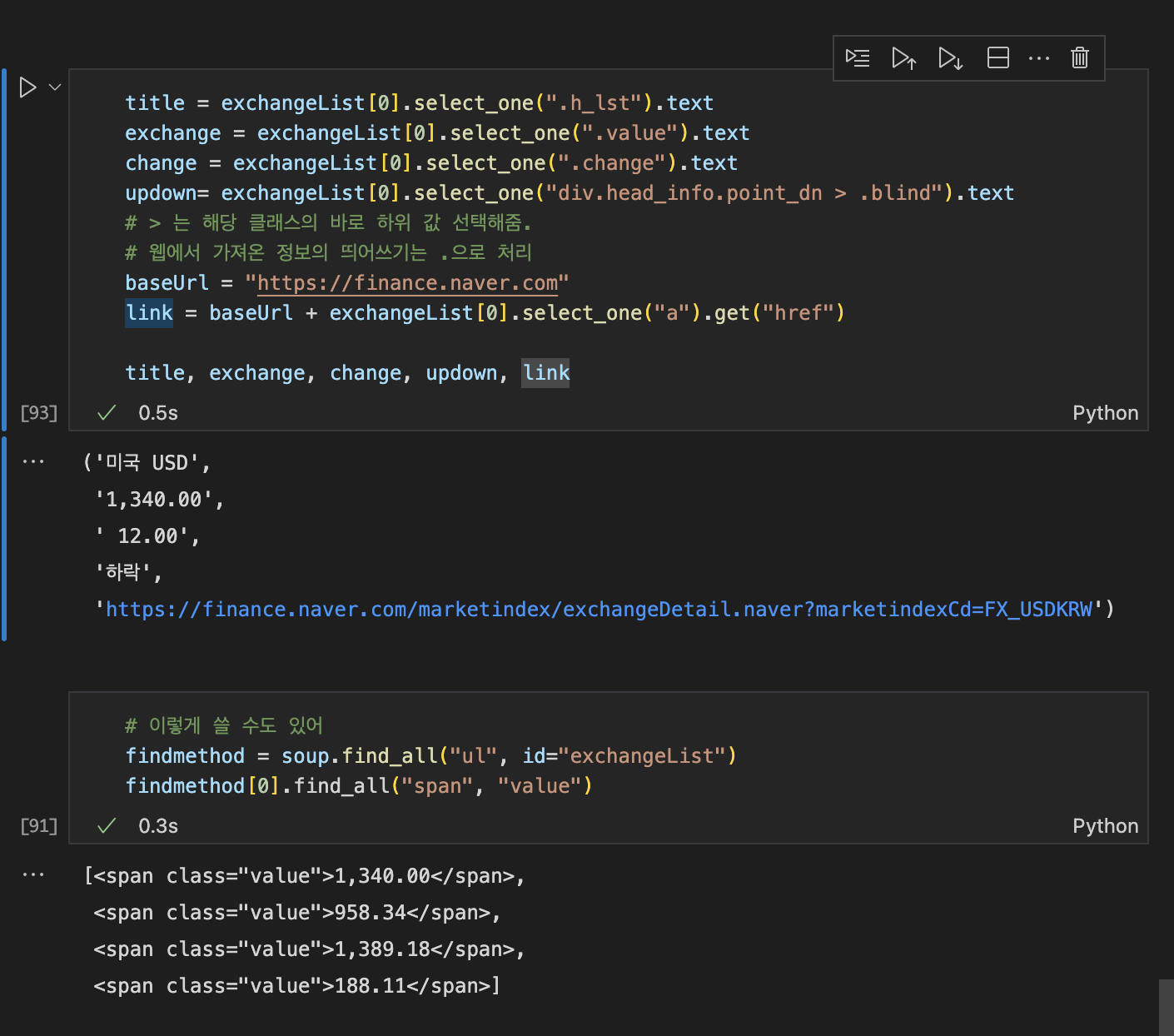
exchangeList = soup.select("exchangeList > li")
len(exchangeList), exchangeList
```
ipynb 파일에 적힌 코드 python 포맷으로 옮긴 뒤, terminal에서 python naver.py 실행시키면
xlsx 파일 자동으로 생성됨.